
What happens at your plan's limit
On Free the AI pauses. Your customers never see why.
By HeyThula · Updated
Your plan includes a number of AI resolutions each month. What happens when you reach it depends on which plan you're on — and either way, your customers are unaffected.
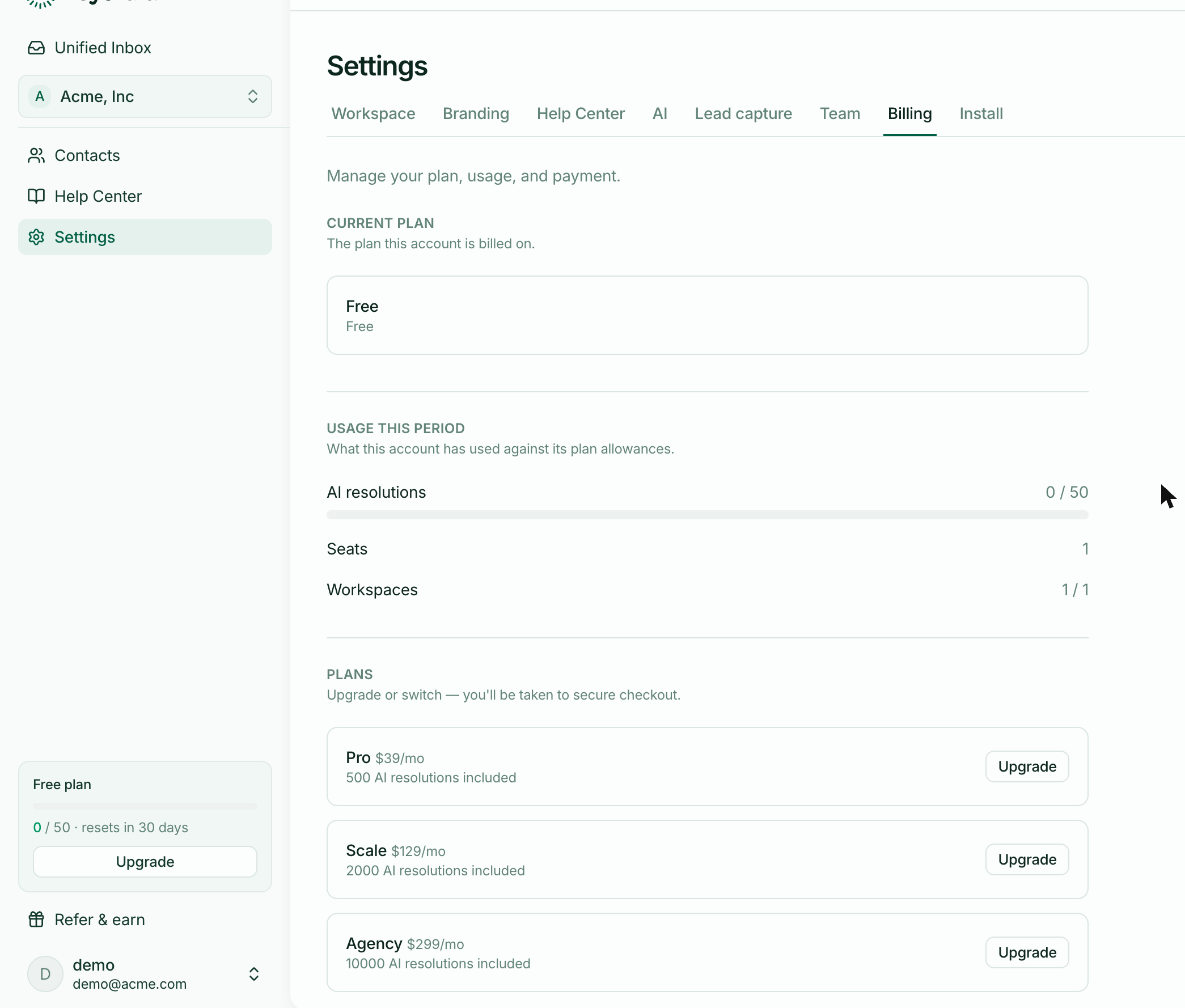
On Free, the AI pauses
At 50 resolutions the AI stops answering, and every conversation goes to your team until the period resets.
It's a hard stop, not a bill. Nothing is charged and nothing is switched off except the automation.
On a paid plan, nothing stops
Going past your included amount doesn't pause anything. Further resolutions are charged at your plan's rate and appear on your next invoice.
This is the practical difference between Free and paid: paid plans absorb a busy month without you noticing.
Your customers see a normal handover
This is the part worth knowing. At the cap, a customer gets the same brief message they'd get for any handover — a person will take this on.
They are never shown a limit, a plan, or a billing message. Nothing about your account leaks into your customer's conversation.
How you'll know
The plan card at the bottom of the sidebar shows usage and turns red as you approach the cap. Your inbox will also get busier, since conversations the AI would have resolved now arrive for your team.
What to do about it
If it's an unusual month, do nothing. It resets.
If you're hitting it regularly, upgrading is the obvious answer — but check your help centre first. Handovers caused by missing articles use up allowance without resolving anything, so publishing the articles behind your most common questions can lower usage and improve answers at the same time.