
How AI answers work
It searches your published articles, answers from what it finds, and stops when it can't.
By HeyThula · Updated
When a customer sends a message, the AI looks for relevant published articles, answers from what it finds, and cites the article it used. If nothing matches well enough, it passes the conversation to your team instead of guessing.
What happens to a message
Your team is checked first. If a teammate has already replied, the AI stays out entirely.
Your articles are searched for ones relevant to what was asked.
If a good match is found, the AI answers from those articles and cites its source.
If not, it hands over. See When the AI hands over to a human.
It searches by meaning, not keywords
The AI understands what a question is about rather than matching words. "I can't get the chat thing onto my site" finds your installation article without that article ever using those words.
So you don't need to guess phrasings or stuff articles with variations. Write plainly and the matching takes care of itself.
It only uses your articles
Not general knowledge, not your website, not previous conversations. See What the AI is allowed to answer from.
That's what makes it trustworthy for support: it can only tell your customers things you have written and published.
Every answer shows its source
Answers reference the article they came from. Your customer can read the full page, and your team can see which article was used — so a wrong answer points straight at the article that needs fixing.
Turning it on
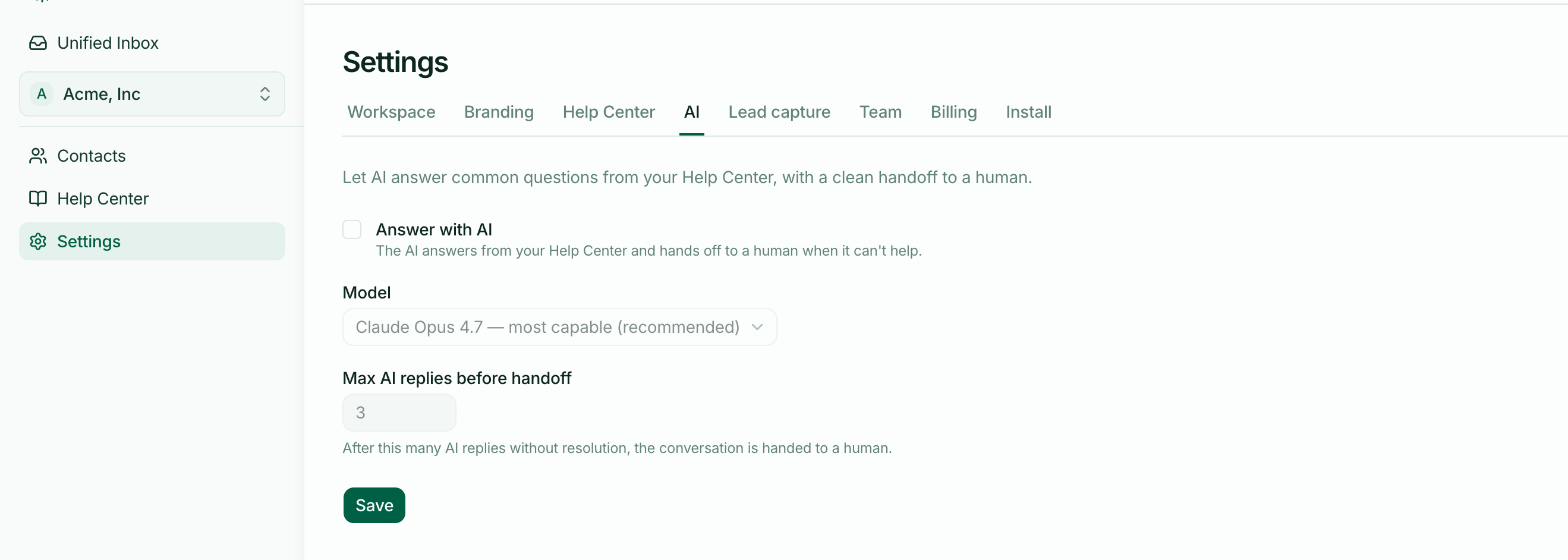
Settings → AI, then Answer with AI. Nothing is automated until you do.
It's worth publishing a few articles first. With an empty help centre the AI has nothing to answer from, so every conversation hands over — which works, but adds a step for no gain.