
How usage is counted
Resolutions, not messages — and when the count resets.
By HeyThula · Updated
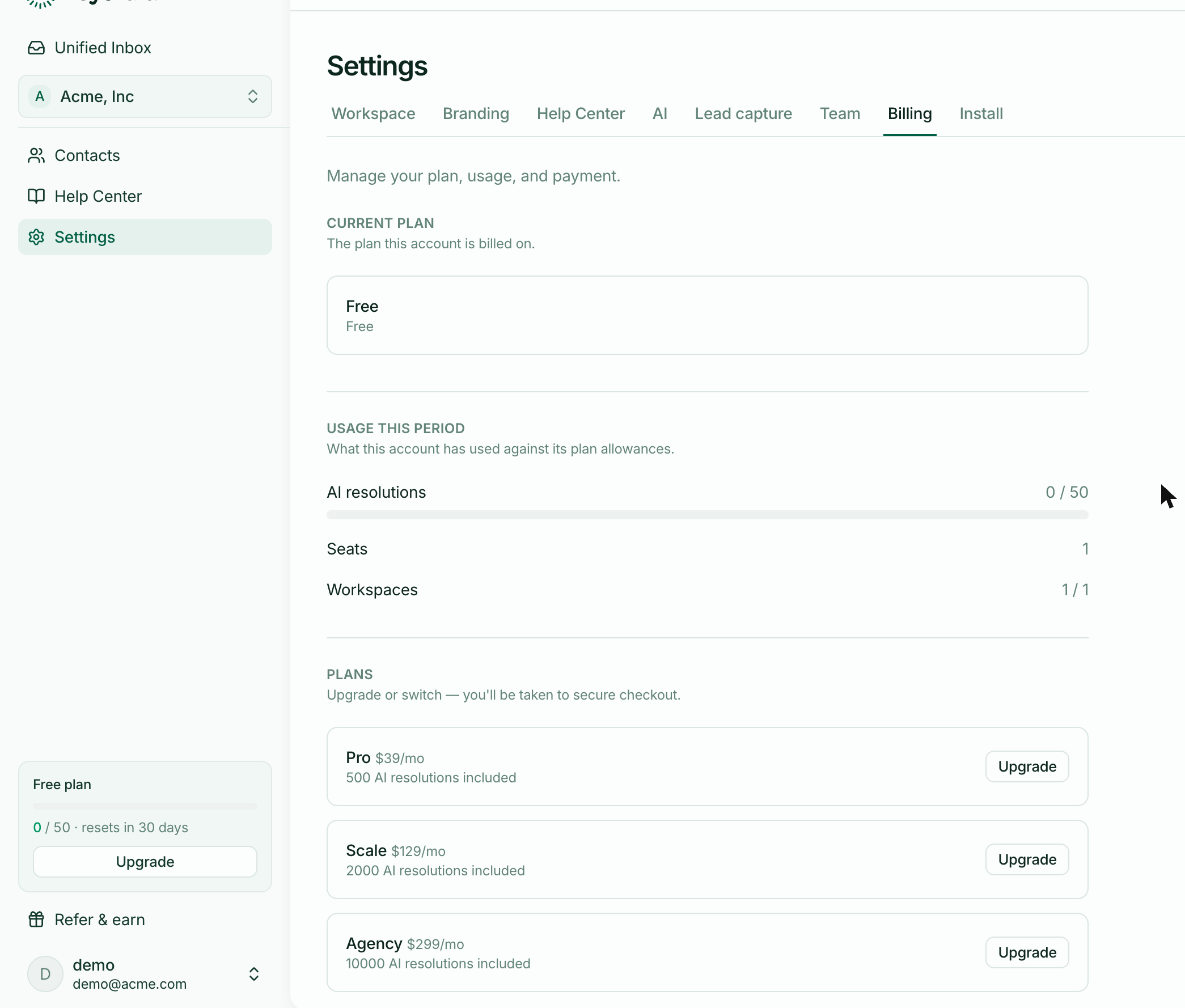
Your plan includes a number of AI resolutions each month. The card at the bottom of the sidebar shows where you are: 12 / 50, and when it resets.
A resolution is a conversation, not a message
One conversation the AI handled is one resolution, however many messages it took. A customer who asks four follow-up questions and gets four answers has used one, not four.
Conversations your team handles are free
Only the AI's work counts. A conversation your team answers doesn't touch the allowance — including one the AI started and then handed over.
So a month with lots of complicated questions, which the AI keeps passing to humans, uses less of your allowance than a quiet month of simple ones. The meter tracks work the AI saved you, not work you did.
When it resets
The count resets 30 days after your period started — not on the first of the month.
Your period starts when your account does, so if you signed up on the 12th, your allowance refreshes around the 12th. The sidebar card says how many days remain, which is the quickest way to check.
Usage is per account, not per workspace
If you run several workspaces, they draw on one shared allowance. There's no per-workspace quota to balance, and no workspace can be starved by another's busy week.
What happens at the limit
On Free, the AI stops answering and every conversation goes to a human until the reset. Nothing breaks and nothing is charged — your customers simply reach a person instead. They see a normal handover, with no mention of limits or billing.
On a paid plan, nothing stops. Additional resolutions are charged at your plan's rate and appear on your next invoice.
Keeping usage down
The AI can only resolve what your help centre covers, so more published articles means more resolutions and fewer handovers — which is the opposite of how a usage limit usually behaves. Conversations flagged Needs human are the list of articles worth writing.