
Removing someone from your team
Removes their access. Leaves their work alone.
By HeyThula · Updated
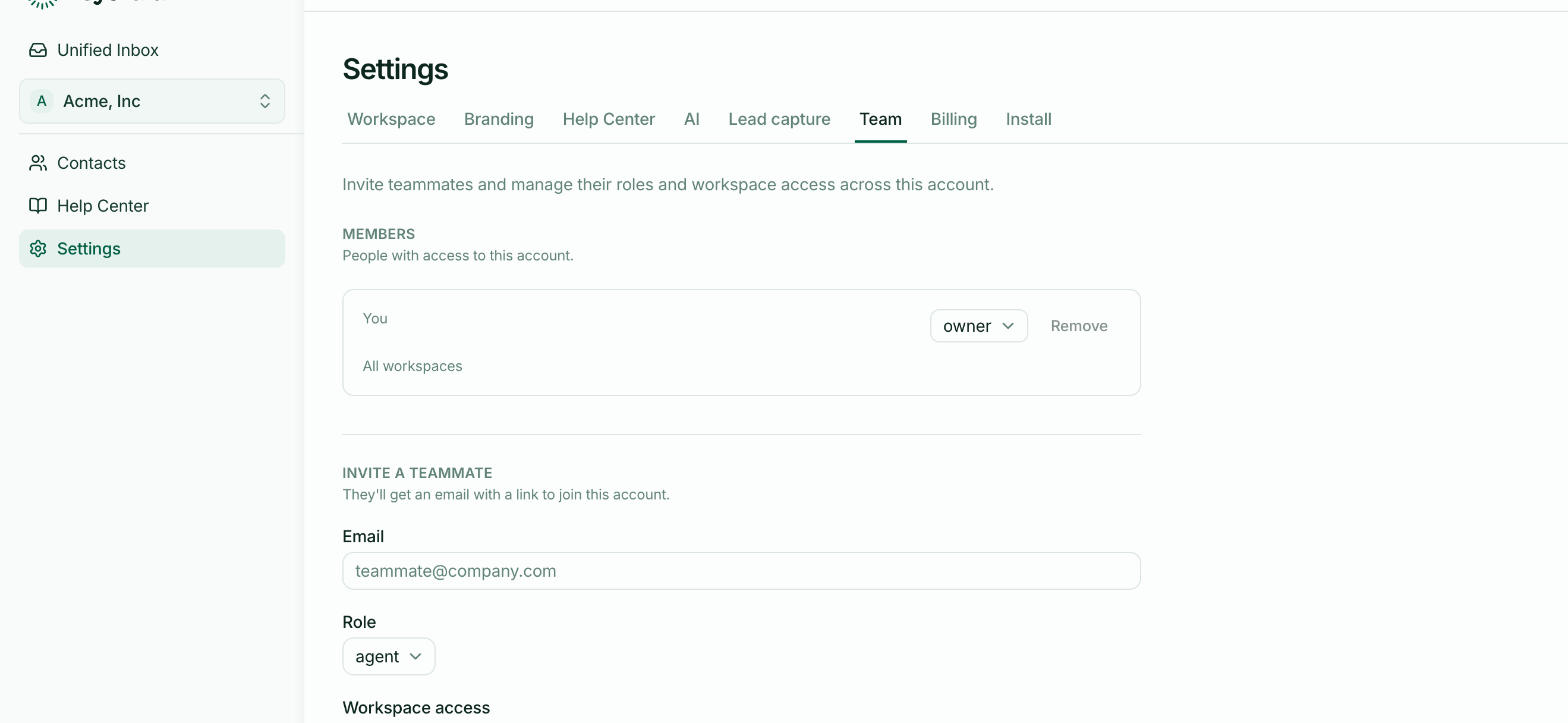
When a teammate leaves, remove them from Settings → Team. Admins and owners can do this.
What happens
Their access ends immediately — they can no longer sign in to your account, see any workspace, or reply to anything.
The seat they held is freed, so you can invite someone else.
What doesn't happen
Their conversations stay exactly as they are. Replies they wrote remain in the threads, attributed to them. Nothing is deleted or rewritten.
That's deliberate: a conversation is a record of what was said, and removing half of it because someone left would make your history useless.
Articles they wrote stay published. Help-centre content belongs to the workspace, not the author.
Conversations assigned to them
These become the thing to watch. A conversation assigned to someone who has left is still assigned to them, and notifications for it went to their address.
After removing anyone, filter to Needs human and reassign anything of theirs that's still open. Otherwise it waits quietly for a person who no longer works there.
Revoking an unaccepted invite
Someone invited but not yet joined is revoked rather than removed — the link stops working. See Inviting teammates.
You can't remove the owner
Every account has exactly one owner, and they can't be removed while they hold that role. To hand over an account, the transfer comes from the owner.
Before you remove someone
Two things worth doing first:
Reassign their open conversations, so nothing is waiting on an absent person.
Check what only they knew. Someone leaving is a good prompt to write down the answers they'd been giving from memory.