
Collecting email addresses
Turn anonymous visitors into people you can actually reply to.
By HeyThula · Updated
An anonymous visitor who closes the tab is gone — you have no way to reach them. An email address changes that: you can reply after they've left, and they become a contact you can follow up.
Lead capture asks for one, at moments where asking makes sense.
It's off until you turn it on
Nothing is asked of your visitors until you configure it in Settings → Lead capture. An unconfigured workspace behaves exactly as it always has.
Three moments to ask
Before the chat starts. A short form when someone opens the widget, before they type. This collects the most addresses and deters the most conversations — some people won't give an email to ask a quick question.
During a conversation. A gentle prompt inline, after they're already talking. Fewer addresses, but no barrier to starting.
When nobody's around. If a conversation is going to wait for a human, asking for an address is obviously reasonable — you need somewhere to send the answer.
Which to use
If you're unsure, start with the last two. They cost you nothing: no one is turned away, and you still collect addresses where it matters.
Asking before the chat is a real trade. It suits sales-led products where a conversation is a lead; it suits support poorly, where a barrier in front of "my thing is broken" is resented.
It only asks once
Someone who has given an address, or declined, isn't asked again. Identified users are never asked — you already know who they are.
What happens to the address
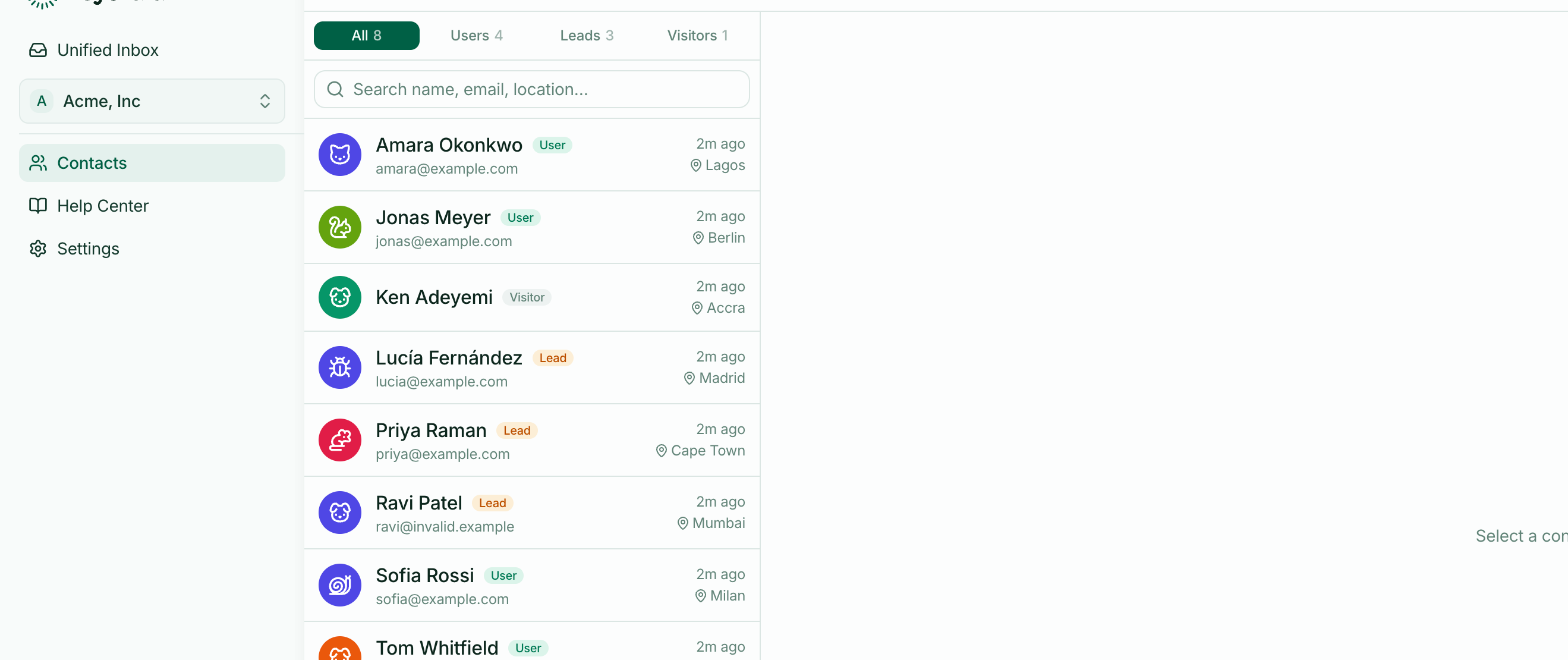
The contact becomes a Lead and appears in Contacts. From then on they receive replies by email when they're away from your site, exactly like an identified user.