
How long changes take to appear
About a minute for the widget. Your help centre is immediate.
By HeyThula · Updated
You've changed your brand colour, or your welcome message, and your site still shows the old one. Almost always this is caching, and almost always it clears on its own.
The widget: about a minute
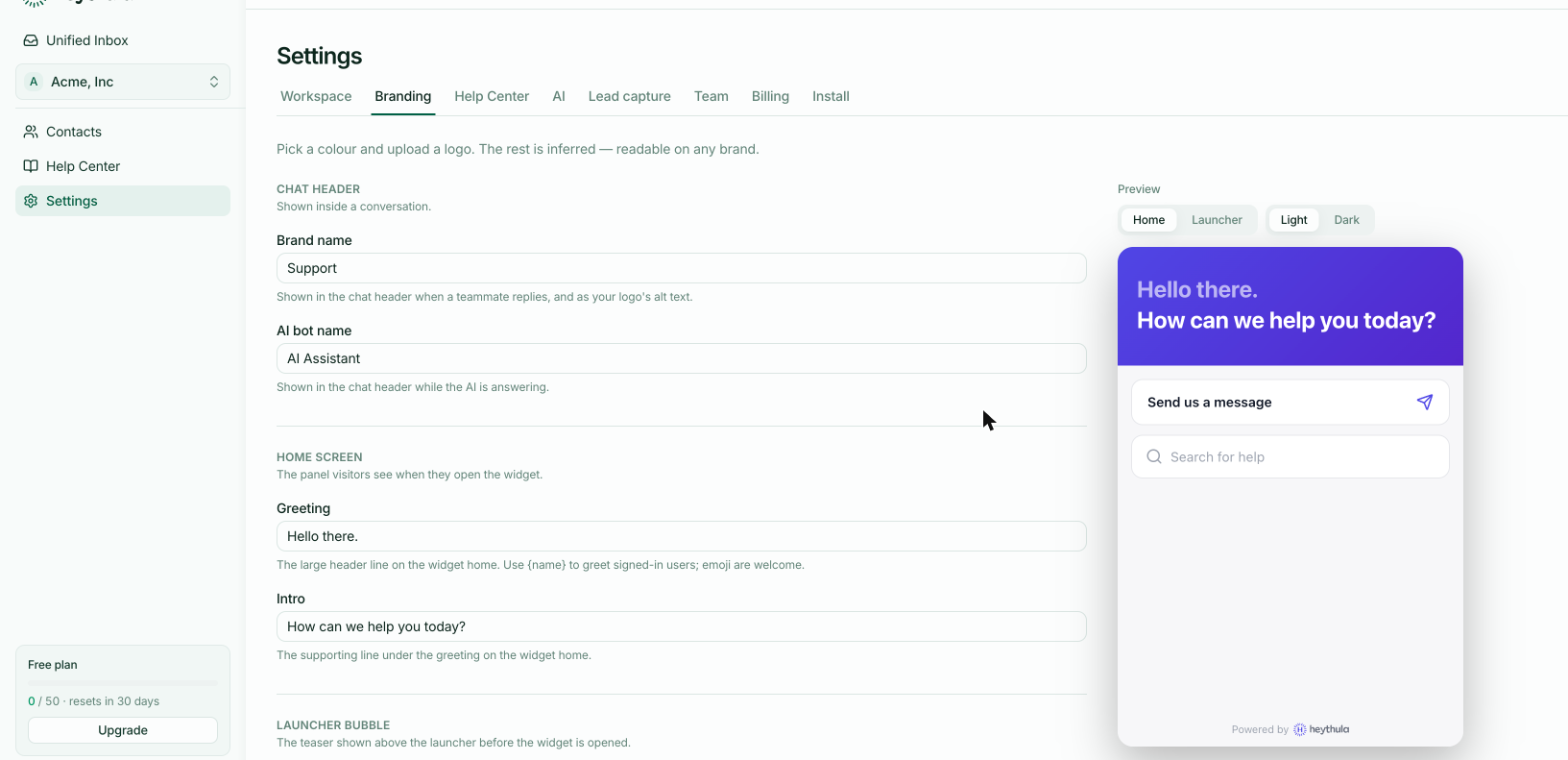
The widget script is served from a CDN and cached for roughly 60 seconds. After a change in Settings → Branding, allow a minute and then hard-refresh the page you're testing on.
That short cache is a deliberate trade: it keeps the widget fast for your visitors without making your changes wait.
Your own browser is the usual culprit
A normal refresh often reuses what your browser already has. To be sure you're seeing the current version:
Hard refresh —
Cmd+Shift+Ron a Mac,Ctrl+F5on Windows.Or open a private window, which starts with nothing cached.
If it looks right in a private window and stale in your normal one, it's your browser, and your visitors are already seeing the new version.
The help centre is immediate
Publishing an article shows up on your public help centre straight away — those pages aren't cached the way the widget script is.
The one short delay there is for search and the AI, which need a moment to process a newly published article. The page is live immediately; the AI can use it shortly after.
What isn't caching
If a change still hasn't appeared after a minute and a hard refresh, it's probably not cache:
Check you saved. The Branding tab has a Save button; the preview updates before you press it.
Check the workspace. Settings apply to the workspace selected in the switcher. With more than one, it's easy to style one and test another.
Check the page has the current snippet. A page carrying an old snippet with a different workspace ID will faithfully show that workspace's branding.