
Replying from your email
Answer a notification and it lands in the conversation.
By HeyThula · Updated
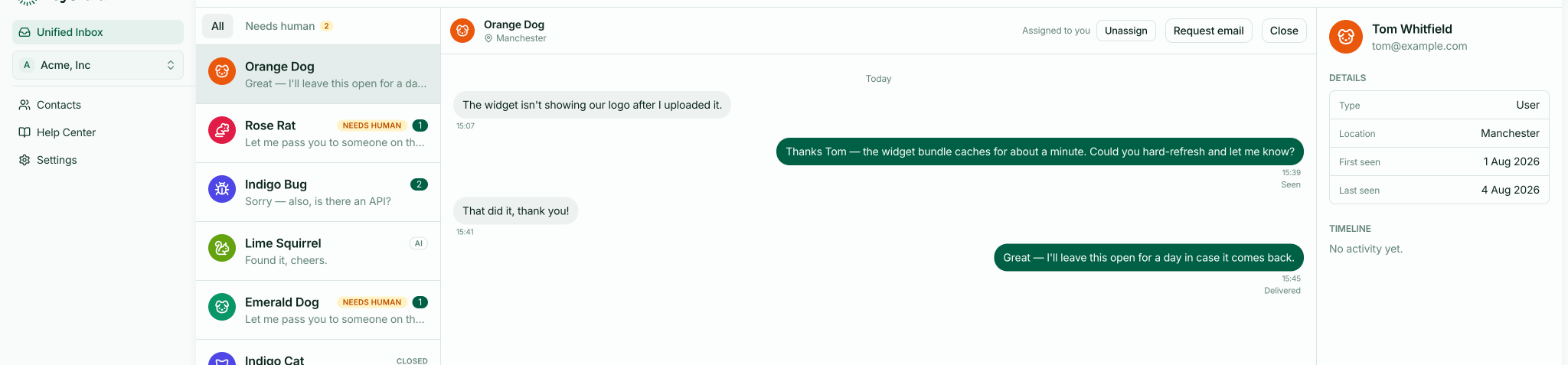
When HeyThula emails you about a conversation, you can answer the email directly. Your reply is posted into the conversation and reaches the customer exactly as if you'd typed it in the inbox.
Why it's useful
It removes the step of signing in. On a phone, at a weekend, between other things — a notification arrives, you answer it, and the customer has their reply.
For short answers this is usually faster than opening the dashboard.
How to reply
Reply as you would to any email, writing above the quoted text. Everything below the quote line is ignored, so the customer doesn't receive your whole email history back.
Your signature is stripped where it can be identified. Keep the reply to what you want the customer to read.
What the customer sees
A normal reply in the widget, from your team, indistinguishable from one typed in the inbox. They can't tell you answered by email.
What it does to the conversation
Exactly what replying in the inbox does:
The conversation is assigned to you if nobody had it.
The AI stops replying to it — a human has taken over.
The customer is notified if they've left your site.
What you can't do by email
Closing, reopening, assigning to someone else, and reading the customer's profile all need the dashboard. Email is for answering.
Attachments
Don't attach files to an email reply — they aren't carried into the conversation. Put anything you need to share in the text, as a link.