
Email notifications when you miss a message
Deliberately delayed, and never sent to someone who already saw it.
By HeyThula · Updated
You don't have to sit in the inbox. If a message goes unanswered, HeyThula emails whoever should pick it up.
Two things about how it works surprise people, and both are deliberate.
It waits before sending
Notifications are delayed by about five minutes, not sent the instant a message arrives.
That delay is the point. Most messages are answered while someone is already looking at the inbox, and an email about a conversation you're actively replying to is noise. Waiting means you're only emailed about the ones that were genuinely missed.
It checks again before sending
When the delay is up, HeyThula looks at the conversation again. If someone has seen it in the meantime, no email goes out.
So the email isn't a record of every message — it's a nudge about the ones still waiting. That's why a busy day can produce far fewer notifications than messages.
Who gets emailed
If the conversation is assigned, the assignee is emailed. If it's unassigned, everyone on the team is — so nothing waits on one person happening to look.
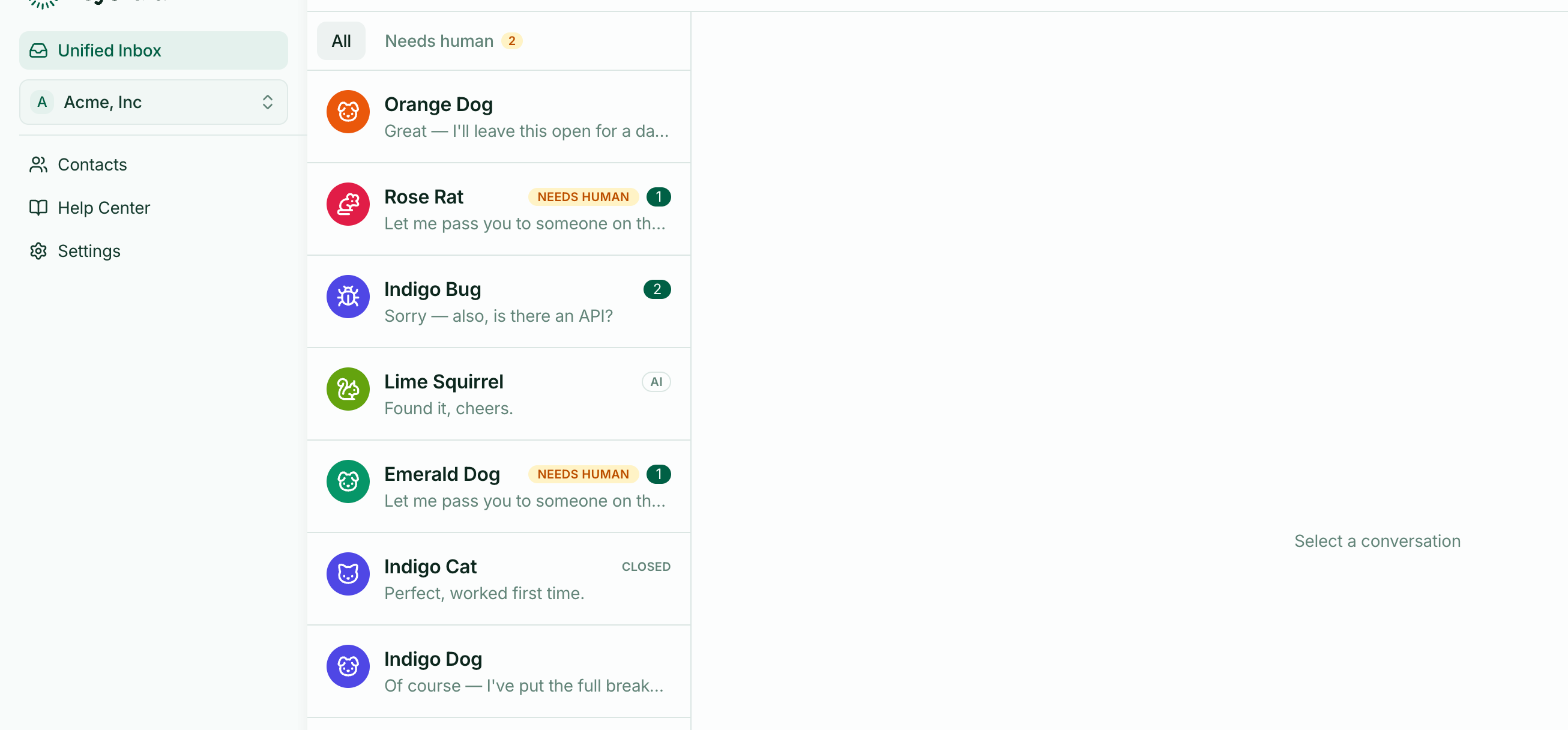
Assignment therefore narrows notifications rather than gating access. See Assigning conversations.
Replying by email
You can answer straight from the email. Your reply is posted into the conversation as though you'd typed it in the inbox, and the customer sees it in the widget.
That means a phone with a mail app is enough to keep a conversation moving — you don't need to be signed in.
Reply above the quoted text, as you would to any email.
Your customers get the same treatment
The same logic runs in the other direction. When you reply and the visitor has left your site, they're emailed after the same delay — and not at all if they're still watching the conversation.
This is why most of your replies show no delivery line: nothing was sent, because nothing needed to be. See Sent, Delivered, Opened and Seen.
If notifications aren't arriving
Check the conversation was actually missed. If you or a teammate opened it within the delay window, no email is sent. This is the usual explanation.
Check who it's assigned to. An assigned conversation only notifies its assignee.
Check your spam folder, and add the sending address to your contacts.