
Create your workspace
What you get on signing up, and the two identifiers you'll meet.
By HeyThula · Updated
Signing up creates two things at once: an account, which holds your plan, billing and team; and your first workspace, which holds conversations, contacts, articles and branding.
You start on the Free plan. No card, no trial clock.
What you're asked for
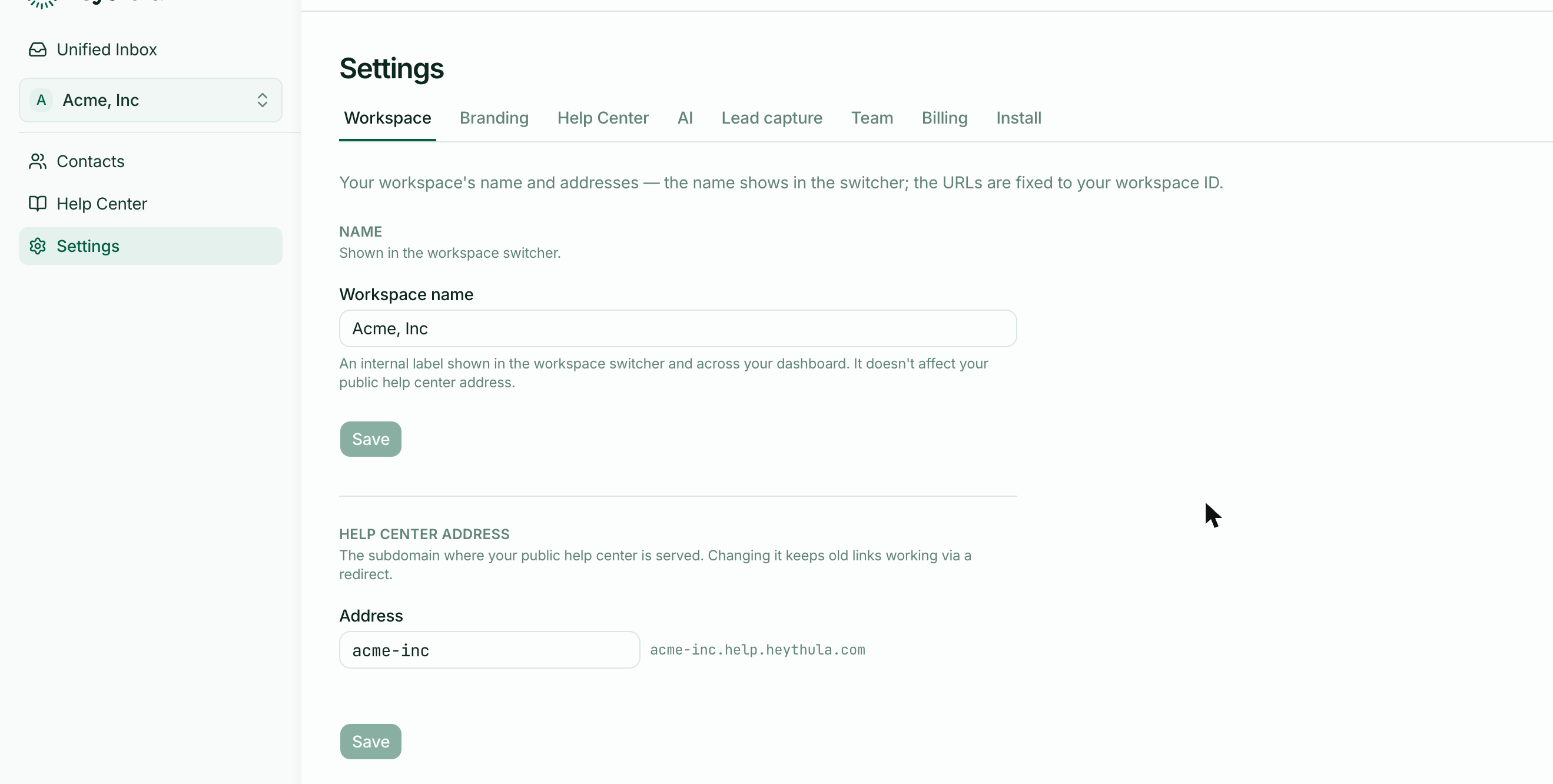
Your company name, an email address and a password. The company name becomes your workspace name and the starting point for your help centre address — both changeable later.
The two identifiers
New workspaces come with two values that look similar and do different jobs. Worth separating early, because confusing them causes real problems.
Workspace ID — a value like w_4ihemtl70f. It goes in your widget snippet, it's visible in your page source, and it never changes. That permanence is what makes everything else safe to rename.
Help centre address — the subdomain your public articles are served from, like acme-inc.help.heythula.com. This one you can change whenever you like; old links keep working via a redirect. See Your public help centre address.
There's also a third value, your identity secret, which is not an identifier at all — it's a key, it stays on your server, and it never goes in page source. See Identifying logged-in users.
One workspace is usually right
You can add more later, and most people shouldn't. A second workspace is for a genuinely separate product with its own customers and its own help centre — not for separating teams or topics. See Workspaces, and when you need more than one.
Next
Install the widget and send yourself a message — see Your first fifteen minutes.