
When nobody is online
There are no opening hours — only whether you can reply later.
By HeyThula · Updated
HeyThula has no "we're offline" mode and no opening hours to configure. The widget behaves the same at 3am as at 3pm, and there's a reason for that.
Why there's no offline switch
An offline notice tells a customer their problem doesn't count right now. They still have the problem, and they still have to remember to come back.
It's more useful to take the message and make sure it gets answered — which is what happens.
What actually happens overnight
The AI still answers. If it's switched on and your help centre covers the question, your customer gets a real answer immediately, at any hour. This is most of the value of the AI: it doesn't sleep.
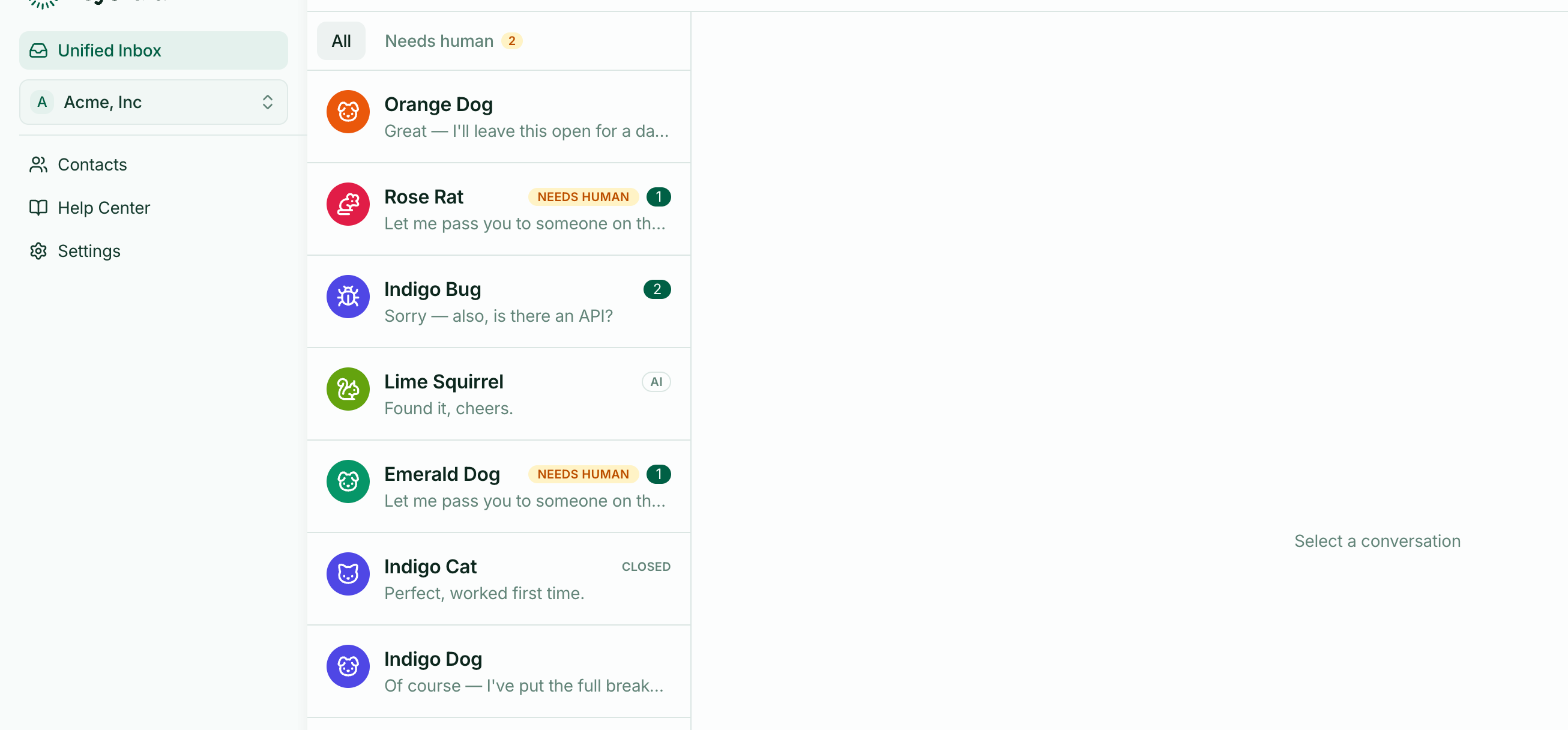
Anything it can't answer waits in your inbox, flagged Needs human, with a notification email so somebody sees it in the morning.
The thing to get right: an email address
The one real difference at quiet hours is whether you can reach the person afterwards.
A visitor who asks something at midnight and closes the tab is unreachable. A lead or an identified user gets your reply by email whenever you send it.
So if you take questions outside working hours, turn on lead capture — especially the offline prompt, which asks for an address precisely when a conversation is going to have to wait.
Setting expectations
You can say so in your widget wording. Something like "We usually reply within a few hours" in the Intro line is honest and sets expectations without turning anyone away — see What the widget says.
Better than an offline notice, because it still invites the message.